You’ve tried the latest ai generator tools—uploaded a prompt, hit “generate,” and got back something that looks like a fever dream drawn by a sleep-deprived robot. Frustrating? Absolutely. But it’s not your fault. The problem isn’t your creativity—it’s how these tools are being used.
The Core Problem: Prompting Isn’t Art—It’s Engineering
Most users treat AI image generators like magic wands. Type “cyberpunk cat wearing sunglasses” and expect gallery-worthy art. Reality check: garbage in, glitchy out. These models don’t “understand” aesthetics—they parse patterns from billions of scraped images, many of which are low-res, mislabeled, or straight-up bizarre.
And that’s why you get three-eyed dogs floating in neon soup.
How to Actually Master AI Generator Tools
Forget vague prompts. Winning requires structure, iteration, and a bit of technical grit. Here’s the real workflow pros use—not influencers selling presets.
Step 1: Define Your Visual Grammar
Before typing a word, ask: What era? What lighting? What lens? A “vintage photo” could mean 1970s Polaroid or 1890s daguerreotype—wildly different outputs. Specify camera type, film grain, aspect ratio. Be surgical.
Step 2: Layer Negative Prompts Like Armor
Tell the AI what NOT to include. “Deformed hands, blurry face, extra limbs, watermark, text”—this isn’t optional. It’s damage control. Most free-tier tools hide this feature; don’t skip it when available.
Step 3: Iterate, Don’t Abandon
Your first result is raw material—not final art. Tweak seed values, adjust CFG scale, rerun with subtle prompt shifts. Three variants > one “perfect” shot that never comes.
| Tool | Cost (Monthly) | Best For | Negative Prompt Support? |
|---|---|---|---|
| Midjourney | $10–$120 | Stylized concept art, mood-driven visuals | Yes (via –no flag) |
| Stable Diffusion (local) | $0 (hardware-dependent) | Total control, privacy, custom models | Yes (native) |
| DALL·E 3 (via Bing) | Free | Text-heavy scenes, branding mockups | No |
| Adobe Firefly | Included in Creative Cloud | Commercial-safe assets, seamless Photoshop integration | Limited |
The Industry Secret: Your Dataset Is Your Differentiator
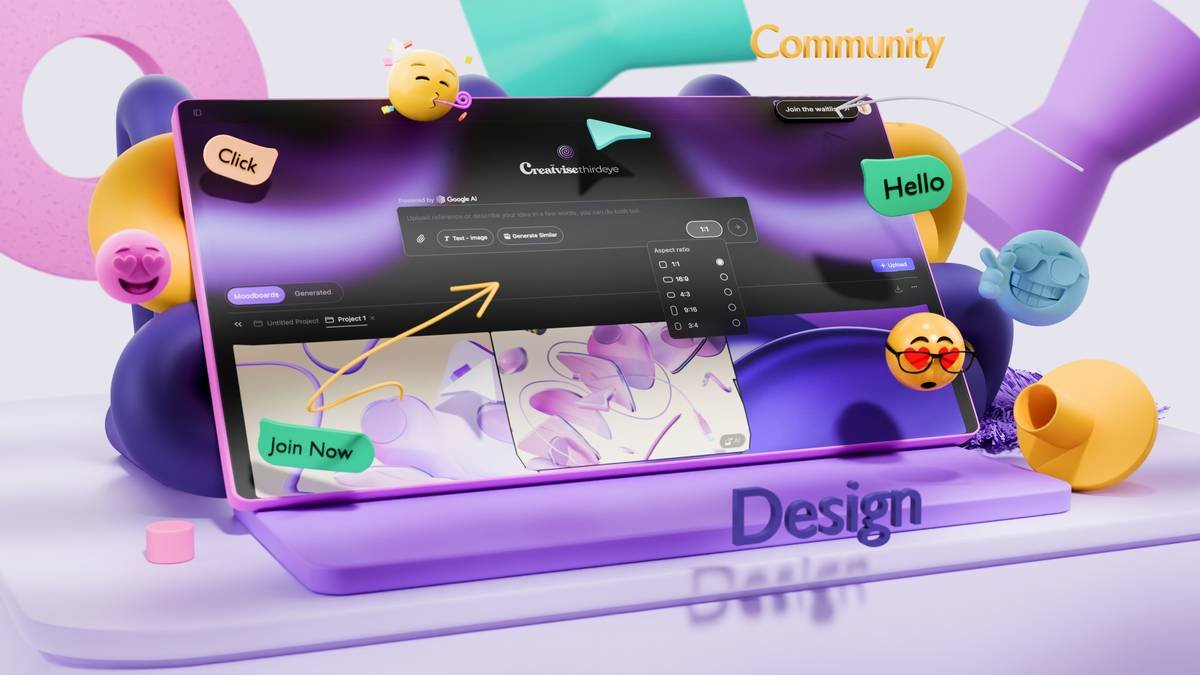
Here’s what no one admits: off-the-shelf models plateau fast. The real edge? Fine-tuning. Top studios don’t just use public ai generator tools—they train custom LoRAs (Low-Rank Adaptations) on their own photo libraries. Imagine an AI that only renders portraits in your exact lighting style or generates product shots matching your brand’s color science. That’s not sci-fi—it’s happening now. And it costs less than you think if you know where to host it.
But most creators stick to playgrounds instead of building studios.
Frequently Asked Questions
Are AI generator tools replacing human artists?
No. They’re replacing repetitive tasks. Artists who leverage AI for ideation or base layers actually produce more original work faster.
Which ai generator tool is best for beginners?
DALL·E 3 via Bing is free and understands natural language well. But serious creators should learn Stable Diffusion basics—it scales infinitely.
Can I sell images made with AI generator tools?
Check each platform’s policy. Adobe Firefly and Midjourney (paid plans) grant commercial rights. Others? Murky. When in doubt, fine-tune your own model.